

Scan the QR code to download the app
Open the camera app to scan the QR code and tap the link that pops up.


Utilisez Google Pay pour payer simplement, rapidement et en toute sécurité avec la Carte Bitstack.
Use Google Pay wherever you see one of those symbols:


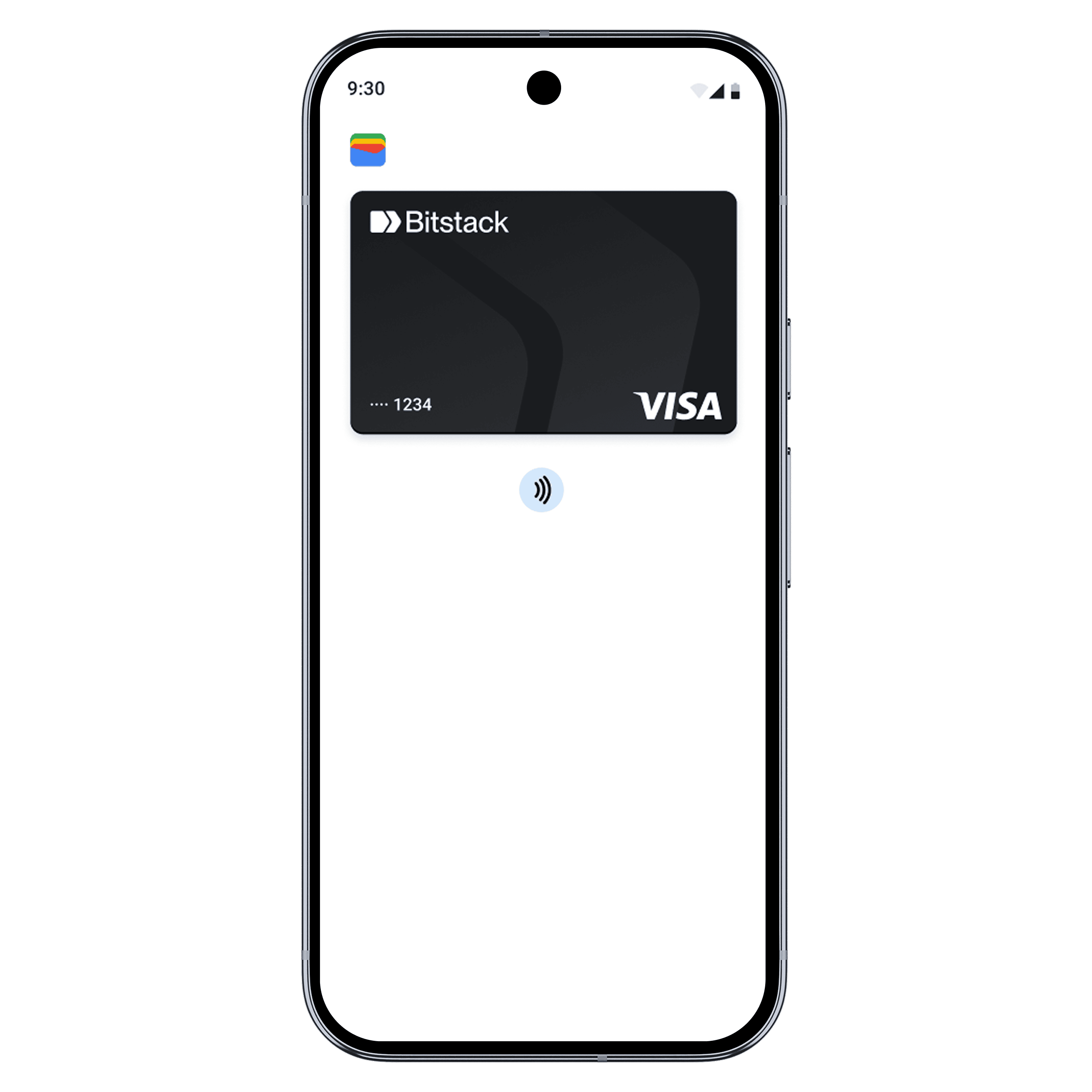
Google Pay is a secure way to pay with your Bitstack Card with just a tap or a glance. You no longer need to enter your personal information, including your card number or security code. Google Pay works for online and in-store purchases.
Adding your Bitstack card to Google Pay is simple and takes just a few seconds:
Download and open the Google Pay app from the Google Play Store. Then add your Bitstack Card by following the steps.
Open the Bitstack app on your smartphone, and go to your card settings to add the Bitstack Card to Google Pay.
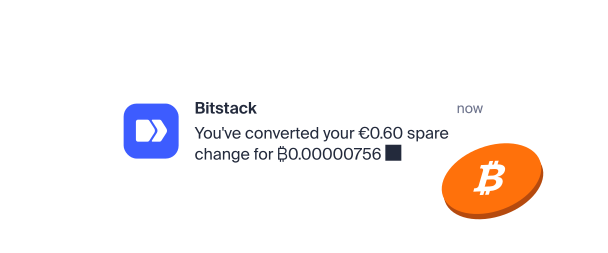
When you use your Bitstack Card with Google Pay, you get the benefits and rewards you love, just like with your physical card. Every time you pay with Google Pay, your spare change is automatically converted into Bitcoin, and you receive Stackback.
Yes. You can add your Bitstack Card to Google Pay and use it on your iPhone, Apple Watch, iPad, and Mac wherever contactless payments are accepted.
When you add your Bitstack Card to Google Pay, your actual card numbers are never sent to the merchant. Instead, unique card numbers are assigned, encrypted, and stored only on your device.
Yes. Wherever you see the contactless symbol or "GPay". Simply place your smartphone near the terminal and authenticate using Face ID, Touch ID, or your passcode to pay.
If you've lost your phone or it's been stolen, you can use the Google's Find Hub app to lock it. You can then secure it with a new password or erase your personal data.
Yes. Every purchase made via Google Pay with your Bitstack Card works just like with your physical card: you get real-time, fee-free round-ups and earn up to 1% Stackback in Bitcoin.
Unlike traditional contactless cards, Google Pay does not have any fixed limits. The only limits that apply are the daily and monthly spending limits on your Bitstack Card, which you can view in the app.


